How to protect your users from Scam Coaching in your iOS App with Trust Insights
“The Trust Insights framework enables your app to request an evaluation, or insight, to help detect and respond to social engineering threats people may face.” as the official TrustInsight documentation says.
So what does it really mean and how does it work? These were the questions that popped out to my mind, when I saw about this in WWDC26.
Social threats don’t always happen when someone on the other side of the world steals your password and takes control of your account. It also commonly happens with manipulation, the person you speak to on the phone or on the street misidentifies himself and pushes you to do actions such as loging-in to your account, sending money to an account, etc. Since, YOU are the one doing the operation, no security protections like 2FA will be help in these scenarios. From the moment our imaginary victim “Bill” also gives the 2FA code to the other person who is guiding him, done, there is nothing to do about it.
Well, what can you do as an Apple developer to prevent these on the client side? This is what TrustInsight is for. It “magically”(of course not magically, will come to this later in the article) finds these potential anomalies, coercive activies based on the context you give and returns the result to you to take an appropriate action, such as adding friction, requiring additional verification, or notifying the user about it. BUT, Apple does not recommend completely blocking the operation based solely on a trust insight.
Note: Note that this evalutation process may take a few seconds and requires an internet connection, so when you use it is also important for user experience.
In this article, we will look at a banking app use-case example.
Note: Trust Insights is an iOS 27 API and is currently marked as beta. You need Xcode 27 or later, and the API may change before its final release.
Create Entitlement
First, creating an entitlement is required. You can do so by going to your app target, press “+ Capability” and select “Trust Insights”.
Setup
To request a trust insight evaluation, we need to provide 2 elements: the request and the context.
request - The type of insight we want the framework to evaluate. Currently, the framework supports one type of request, IsLikelyBeingCoachedInsight. As we can understand from the name, it is for scenarios where the user may be coached by someone to perform certain actions. Potentially, we may see more types of requests in the future.
context - The kind of action the user is trying to perform.
Here are all the available contexts we can choose:
.payment
An action that indicates some form of payment or purchase.
.account
An account operation including registration, login, or the modification of account details.
.resourceUse
Usage of some resource, online service such as purchasing API credits, cloud rendering, etc.
.communication
An action that indicates communication operation, such as sending bulk messages or making connections to other people.
.other
Fallback when none of the above categories fit. Use cases: Exporting sensitive data, granting remote access, or any custom sensitive action that doesn’t naturally belong to the other categories.
Apple recommends filing a Feedback report with the details relating to the category of your interest, when you are left to use .other.
Implementation
As a basic use-case scenario for Trust Insight, let’s look at a banking app example. We have a person named Bill. One day, he gets a call, and the caller introduces himself as a bank employee and tells him that money was accidentally transferred to Bill’s account and asks him to return it to another account.
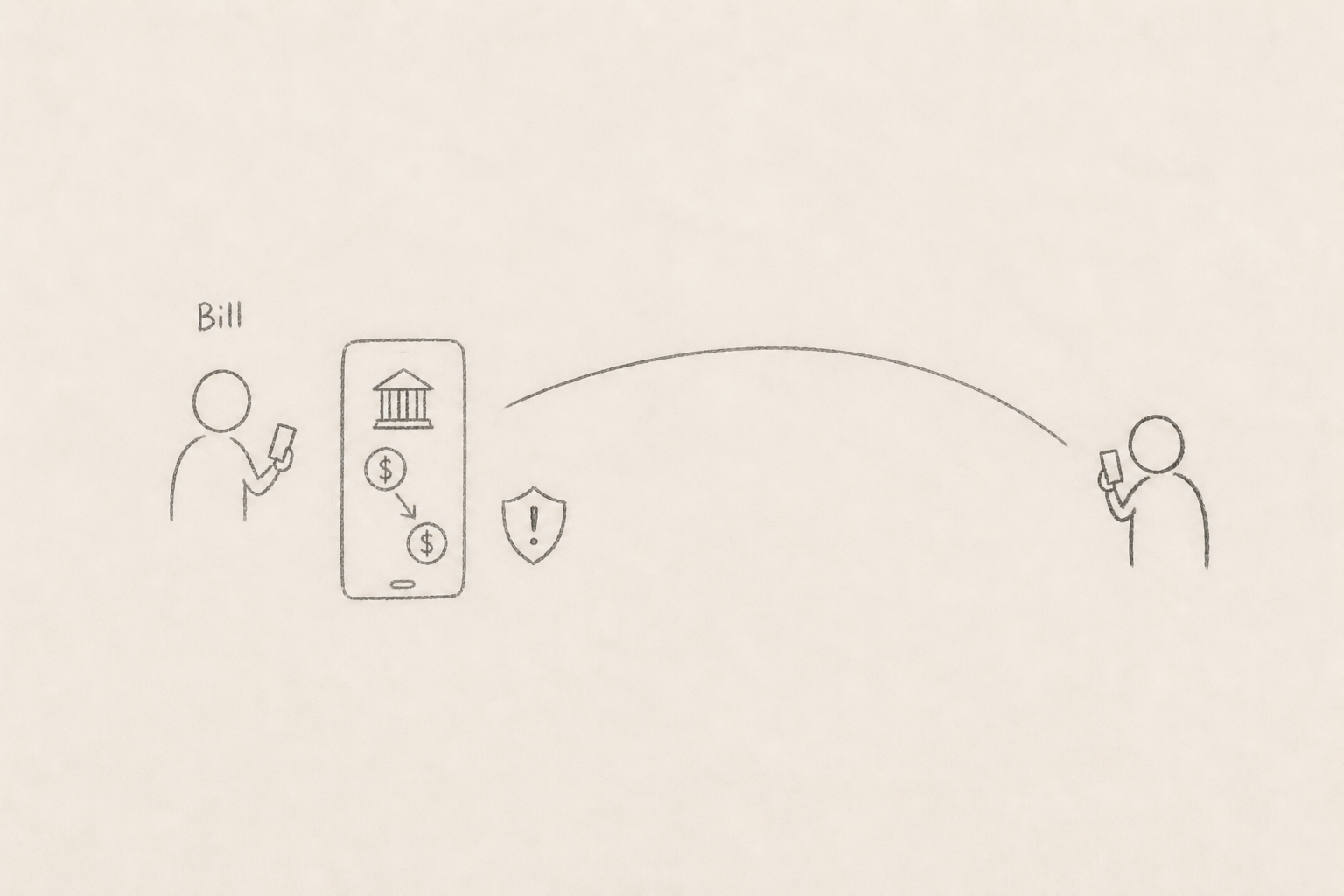
Bill says ok, opens the app, eventually comes to the final screen to confirm the transaction, and presses the confirm button. Before processing it or sending an authentication code, we can create and call Trust Insight request, wait for the result, and decide the next action based on it.
Here is a look at our implementation in a view model.
import Foundation
#if canImport(TrustInsights)
import TrustInsights
#endif

final class OurViewModel {

    // some code

    #if canImport(TrustInsights)
    @available(iOS 27.0, *)
    func evaluateCoachingRiskWithTrustInsights() async {
        let request = IsLikelyBeingCoachedInsight.request(
            schema: .version1,
            modelVersion: .current
        )

        let context = InsightEvaluator.InsightContext(
            operationCategory: .payment,
            requestedEvaluations: request
        )

        let evaluator = InsightEvaluator()

        do {
            guard try await evaluator.requestAuthorization(for: context) == .authorized else { return }

            let assessment = try await evaluator.requestEvaluation(context: context)
            let outcome = try assessment.insight.outcome.get()

            switch outcome {
            case .unknown:
                assessment.reportConsumption(.usedUnchangedFriction)
            case .medium:
                addExtraVerificationStep()

                assessment.reportConsumption(.usedIncreasedFriction)
            case .high:
                reportToCallService()

                assessment.reportConsumption(.usedIncreasedFriction)
            @unknown default:
                assessment.reportConsumption(.notUsedError)
            }
        } catch {}
    }
    #endif
}
A few things to look out for in the code:
-
Don’t we feed it any data? The answer is no, at least not from our app. We only provide the operation context, such as
.payment, and request the evaluation. We don’t send the person’s messages, call audio, transaction details, or any other custom payload to the framework.So how does Trust Insights really work under the hood? Apple gives us a high-level explanation in the Meet Trust Insights session, but does not reveal the model architecture or exactly how each signal is weighted. The framework uses a machine-learning model and combines on-device processing with Apple’s cloud infrastructure. On the device, it looks at signals such as interaction patterns, timing, context, and basic sensor data. Apple specifically says that it does not inspect content from Photos, Messages, or Mail. Device-sourced data is processed locally and discarded immediately after the evaluation; only a single result value leaves the device. Apple’s service may then combine that result with Apple Account signals and velocity checks—patterns such as unusual activity happening repeatedly or too quickly—to add more context before returning
.unknown,.medium, or.highto the app. - For
unknownoutcome case, we are not actually doing anything in the code example. Butunknowndoes not mean there is no risk, so taking some precautionary actions, such as adding extra friction is still recommended. - What is
assessment.reportConsumption(:)? - calling this is actually mandatory by Apple by after each evalutation request. Rate limits may apply if you decide not to call it with the correct consumption value related to your taken action. Here are 6 types available:.usedReducedFriction— insight made operation easier, caused your app to remove or reduce security friction for the user.usedUnchangedFriction— insight evaluated but didn’t change experience for user.usedIncreasedFriction— insight led to additional checks (as I mentioned earlier, blocking the whole operation based solely on this is not recommended.).notUsedNotNeeded— user cancelled the operation.notUsedError— technical failure (e.g. result arrived too late).usedEvaluationOnly— insight used for internal benchmarking only, no UX impact
- There is also a thing called Offline label submissions, which is for cases in which the evaluation ultimately results in a confirmed fraud after days, weeks, or months. It’s not mandatory, but again, recommended by Apple to understand the model’s real-world performance and strengthen the ecosystem. Learn more about it by watching the Meet Trust Insights.
Well, back to Bill. After we run this insight evalution, it told us there is a high-scam risk. So in our banking app example, we can pause the operation, show an alert to Bill to wait for a few minutes due to a possibly suspicious operation, and notify the call-service members to get in contact with Bill to make sure it’s all intentional and confirm the operation.
Note: Sandbox environment is used for Trust Insight during development. Production models/servers are used after App Store distribution.
Conclusion
Trust Insights is not something that can completely stop social engineering scams, and it should not be treated as the final decision-maker. But still it gives us something that the usual security protections don’t: a signal that the person performing a legitimate action may actually be doing it under someone else’s pressure.
As we saw, requesting an evaluation is the easy part. The more important part is deciding when to request it and what to do with the result. Depending on your app, this may mean showing a warning, delaying the operation, asking for additional verification, or sending it for manual review by a human. The response should be proportional to the risk, and a trust insight should always work together with your existing fraud and security logic.
That’s it for now, Thanks for reading!